
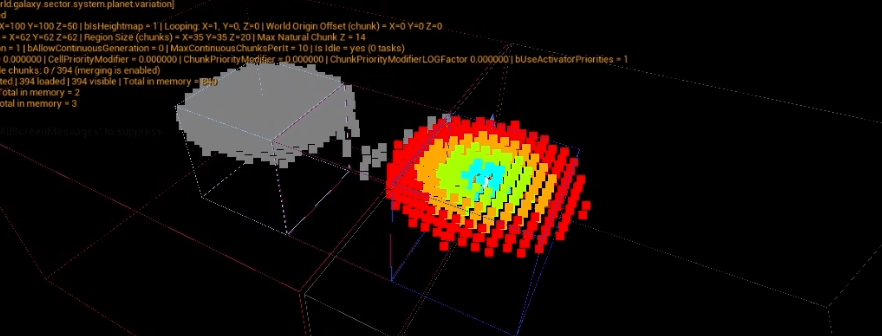
A future article will explain more about the reasons that prompted me to implement this feature, but it is a very important one to me!
Most maps in procedural, blocky games tend to be infinite: you can keep going forward, forever, and the world will keep generating.
This is cool. But not cool enough! Again, one of the next articles is going to shed some more light about this, but for now, I will keep the whys in the dark!
A straightforward principle…
I don’t want infinite maps. Infinite maps are boring and stupid.
I want the player to be able to see a nice mountain, build a cool tower with red bricks and a yellow roof, then, as they move forward to discover the other side of the map, they stop…
Doesn’t this mountain look familiar? they ask themselve. Then, the ugly red tower with an even uglier yellow roof is there too.
The player just looped back to where they were, without any transition.
What I just described isn’t groundbreaking in any way, but it illustrates the end goal. And to make this wish come true in the game, a lot of technical things need to happen behind the scenes.
…with a simple solution…
Because we subdive our world in chunks, the easiest way to think about this issue is in terms of coordinates : if you want to have a finite map loop on itself, you can just use something like a modulo to ensure your chunks and block coordinates repeat.
110 % 100 = 10
Let’s assume we have a map with a max size in X of 100 chunks. When the player ‘requests’ the creation of chunk X = 110, what the game actually generates is chunk 10 (see above).
This is for referencing chunks consistantly by their ‘looped’ coordinates. From the player point of view, the world must seamlessly continue, without interruption or teleportation. This requires world origin rebasing.
There is (or was, not sure) a feature called like that in Unreal Engine, but I’ve implemented my own (explanations about why in future articles).
What I did in my project is that every actor that can be placed in the world (including the player pawn) has a special root component (the LocatorComponent). This component is aware of the map, and the map is aware of it.
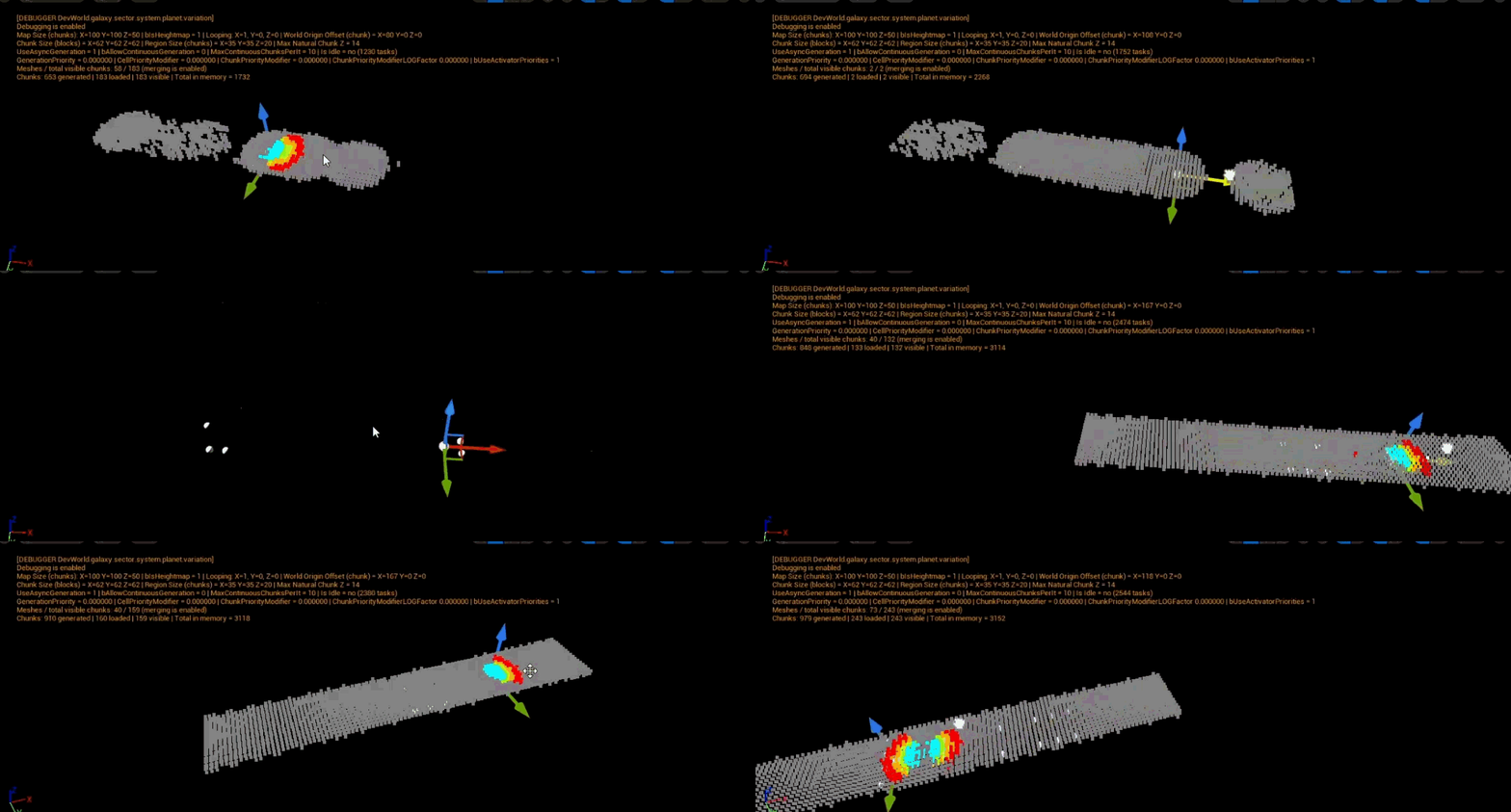
Whenever the local player moves past the last 25% of the map size (so below chunk 25 or above chunk 75 in the example of a map size 100), the game re-centers the local ‘world offset’ to the player current location (its pawn). When this happens, all actors with a LocatorComponent that needs to be moved are moved.
As long as the map isn’t extremely small, this is invisible to the player.
…unless you’re in multiplayer
This is all well and good. And a little too simple…
Here comes networking, clients and the worst of all… the server (no, actually the worst is the listen server… brrrrrr).
In a server-authoritative model, which Unreal Engine is using, the server is always right.
However, we saw earlier that the world offset is local to the player. Indeed, what if player A goes to one side of the map and player B to the other side? They will both require a different world origin offset, because they are looping the map in different directions.
This means the world origin offset has to be local and, by definition, the server does not have an offset.
This is a big problem, because the server, being authoritative, will constantly try to correct player locations and make them follow its own offset, which is null. This completely breaks the local looping on clients.
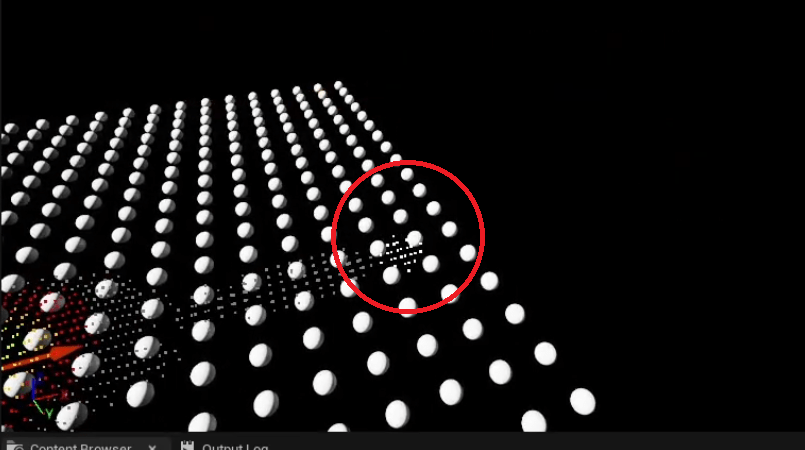
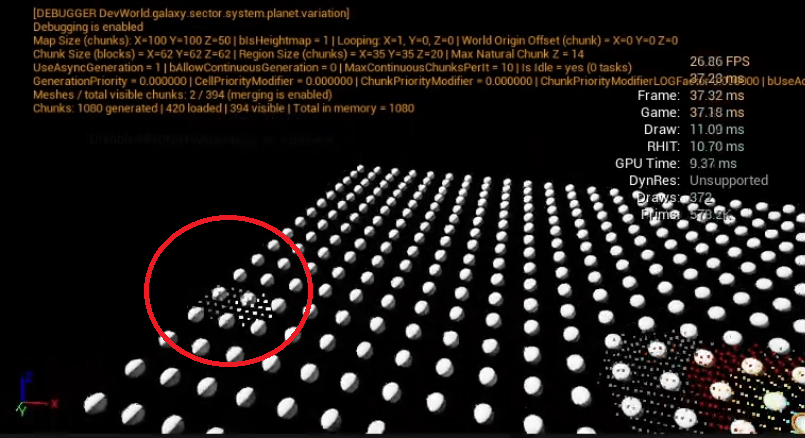
The solution is simple, if you’re prepared to a number of sacrifices.
Remember this LocatorComponent I was mentioning? It is present on all actors that can be part of a map, including the player pawn.
I simply made an override to OnUpdateTransform (from the USceneComponent class) and detected when the client is getting a location correction from the server. At this point, I just need to apply the local offset to this location.
This works, but the whole concept of looping the coordinates has a number of implications, and you alone can decide whether they are worth it:
- this will make collisions at map borders a lot less predictable,
- even worse with any built-in physics engine,
- same with traces,
- etc.
I wasn’t planning on using any of the built-in collision or physics from Unreal Engine anyway, because there are better ways in my opinion to deal with them when working with a blocky world. But for a lot of games, giving up these functionalities and having to write your own isn’t worth it.
Check out this very confusing video about what you’ve just read, and see you next time to talk about chunk meshing!
Conclusion
This is the very basic solution about looping coordinates. A lot of work still needs to be done, notably about generation: it’s one thing to make a chunk of the map loop back when the player reaches the border, but it’s another to make sure there is no obvious seam.
All of this is not terribly complicated, and I might give an explanation in a future article!

Leave a comment