
Cubic blocks and custom blocks are nice, but if you really want to shine in society, you will want to know about smart blocks.
Smart blocks are an extension of custom blocks, so I highly encourage you read the previous article about those.
And here is a video if you are too lazy to read!
Overview
Smart blocks are custom blocks that can change their data (their look) dynamically. There is a wide variety of applications for them. These blocks can be aware of their surroundings and react to changes, events, etc.
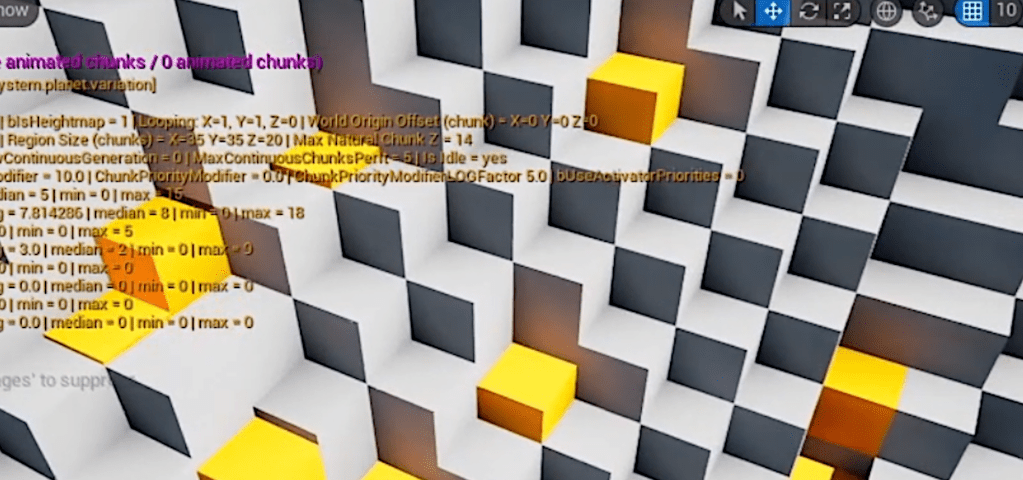
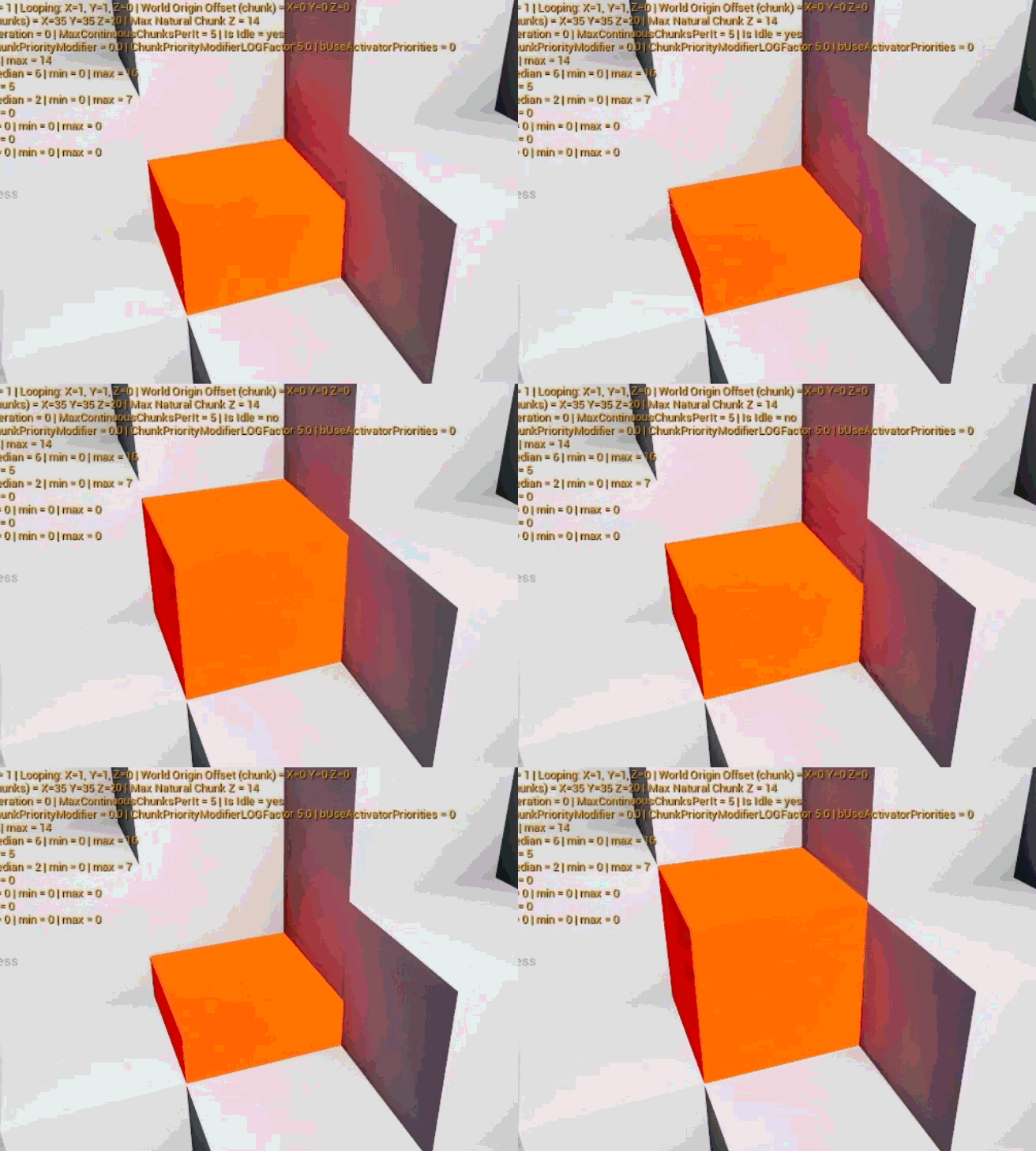
The image at the top of the article isn’t very interesting, but it shows various orange blocks that are slightly smaller in height than a full, cubic block (grey). If you read the previous article, you know that this can be achieved very easily with a simple custom block, so why all the fuss about smart blocks?
Well, this orange block in the picture at the top can have up to 16 layers (16 height levels). By using custom blocks only, that means designing 16 different data entries.

Instead, I made a special class of blocks that can adapt their internal data based on some arbitrary parameters. In this particular instance, there is a single parameter, the ‘stack height’, but it could be anything.
Archetypes & States
I haven’t been telling the whole truth (sorry). I haven’t just created one class of blocks, but two: the smart block archetypes and the smart block states.
The archetype defines the behavior of the block, how it generates its internal data, how it reacts to various events, etc (it’s literally a class in C++, so you can go wild – it inherits from the custom block class). Archetypes are never used in the map directly, they are just blueprints to generate the states.
The states are the various unique results that a given combination of parameters outputs from an archetype. With the stack block example from above, if the player places a stack of height 9 in the map, the game first asks the archetype to generate the state by giving the parameter height = 9, then it gives back the generated state for it and places it on the map (the smart block state is placed on the map, not the archetype). The state is nothing more than a baked custom block at this point. The only difference is that it can still react to events and potentially ask the archetype to update its state.
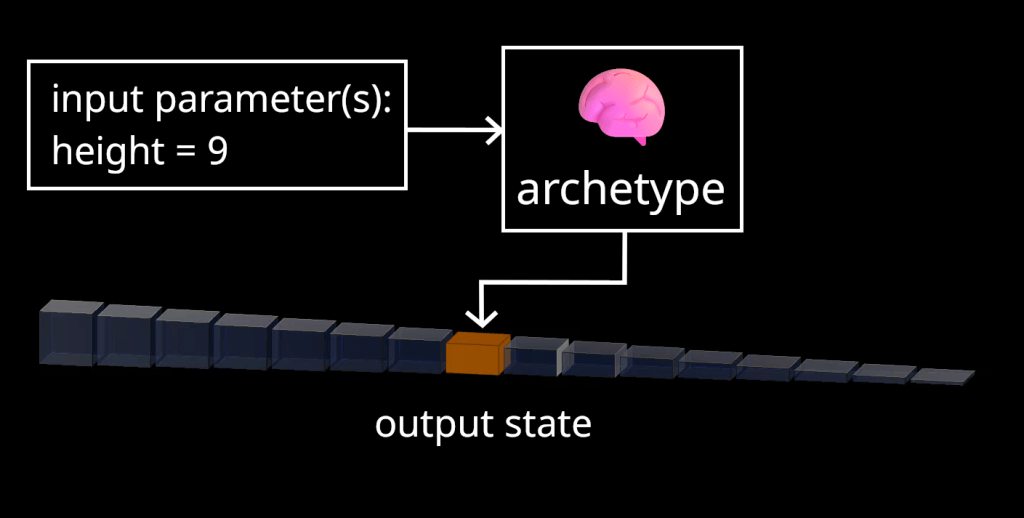
The combination of all parameters values of a state is encoded as a single uint32 variable, while the archetype index of the block is encoded as another uint32. This means that, in the chunk data, the smart blocks placed on the map occupy a single uint64 variable each.
This is a limitation I’m okay with, but it does mean a smart block can only have 32 bits of parameters, which can be quite limiting. You could implement it differently, and allocate more ressources to smart blocks, but then you will probably have to have different logic for smart blocks and non-smart blocks. In my case, keeping a single integer as final index for my smart block states allows me to share all of the code between different types of blocks.
A way to go around the limitation of 32 bits of parameters is to have levels of indirection. As an example, for almost all of my smart blocks, I need a material information. Indeed, the ‘stack height’ smart block from above actually has another parameter: its material (I don’t want to have to create 1 archetype per material – so I have a single archetype able to create stack blocks for any kind of materials). The issue is that, in my project, you can have infinite material combinations (a block could be made of 50% ‘diorite’, 30% ‘rhyolite’ and 20% ‘gold’ for example), something you can’t easily encode in 32 bits.
So what I’ve done is that the stack block archetype holds a list of used material combinations (after all, smart block archetypes are just C++ classes, you can add any member variable you want). The states ‘material’ parameter is actually just the index of this unique combination in the archetype list. So instead of having the state hold all the details about its materials, it only has a single index with which it can interrogate the archetype to know what these materials actually are (1 level of indirection).
The height parameter takes up 4 bits (values from 0 to 15), which leaves us 28 bits (32 – 4) for the archetype material index. 28 bits is more than enough to cover all realistic cases.
This is just one example.
Use cases
The use cases for smart blocks are plenty.
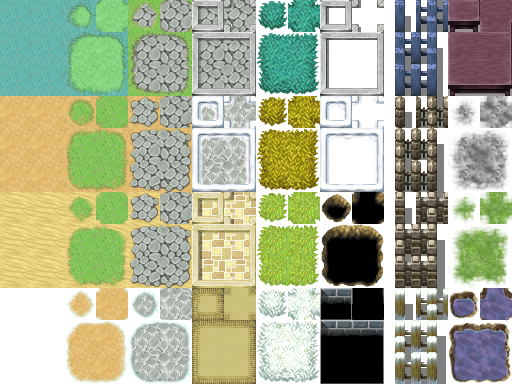
You can make smart blocks aware of their surrounding blocks by encoding them with a bitmask (6 bits for all 6 axis directions, 0 = empty block, 1 = solid block). With this, you can change the shape of the smart block for example. One useful application that comes to mind is adaptive look for seamless tiles. Think of 2D RPG-like games with layers of grass and roads:
You can also have smart blocks impact the gameplay directly (and be impacted by it). The base class for smart blocks can be filled with virtual ‘event’ methods that get triggered in specific situations. For example, let’s say you want to notify the smart block when a player character starts walking on it: you could have smart ‘ice’ block changes the speed and friction of the player, the sound foot steps make on this particular block, etc.
Smart blocks are also very good for interactable blocks: you can make a ‘door’ that can be opened and closed by the player ‘activating’ it.
Another very useful application is for animated blocks!
Animated blocks
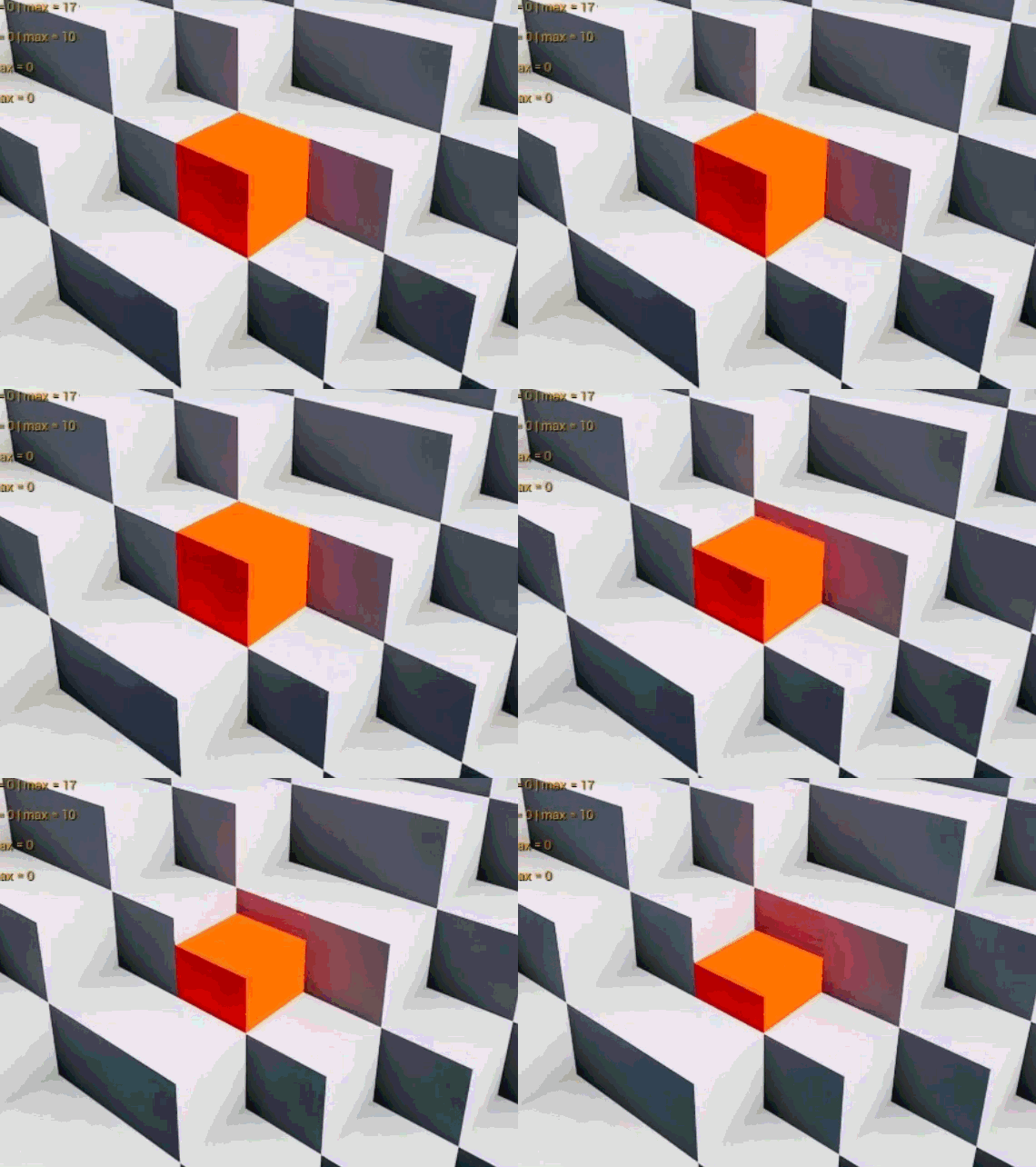
Because smart blocks react to parameter changes, you can easily create animations by having your archetype accept another parameter for the current ‘frame’ of animation.
I even have an extra 1 bit parameter to define whether to use a ping-pong style animation loop:
The only extra step you need to take is to have your map ‘tick’ your chunks. In my project, as of right now, I’m ticking chunk 15 times per seconds, which means I can have blocks with a 15 FPS animation. I keep track of which chunks contain at least one animated smart block, to avoid ticking static chunks unecessarily.
Remember about chunk sections? If not, do your homework and go back to the previous article! To make this more efficient, I store animated smart blocks in a different data section inside the chunk, so I don’t have to pay the full cost of remeshing the whole chunk every time a single animated block needs updating. Another great use for chunk sections!
Should animated blocks be cosmetic only?
Still, animated blocks done this way are quite expensive compared to static cubic blocks and custom blocks.
Furthermore, especially on a networked game, it can be tricky to sync the same animation frame for evey clients. So an important decision you need to make is whether these animations are just cosmetic (in which case you don’t even need to network them) or if they can impact the gameplay.
Only you can know the answer!
If you do want to go the hard route and make your animations gameplay-impacting, you will need to ensure that:
- your map uses a single, replicated ‘frame’ value (a uint64 will last forever!),
- your archetypes consistently output the same state based on the current animation frame.
Even with this, depending on how fast you want your animations to run (reminder: I’m using 15 fps in my project), you will necessarily face some sync issues at some point. As long as your archetypes consistently output the same data based on the same input frame absolute value, the animations will eventually correct themselves.
Just like with client-side prediction for movements, you can still have the local client increment the local frame value to avoid complete stall of animation when the server is busy.
Conclusion
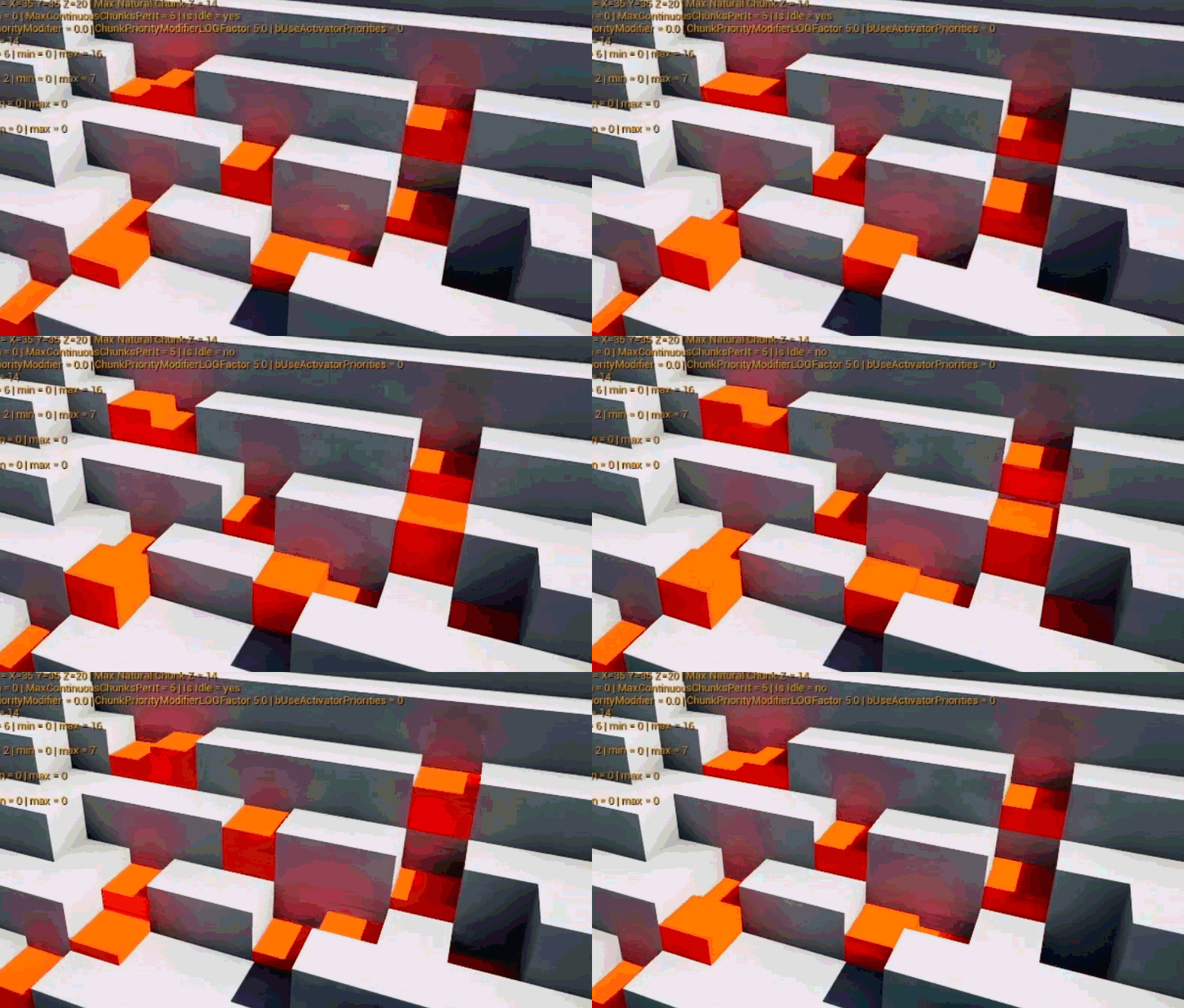
Smart blocks are cool! I think that is a great conclusion. Actually, maybe bouncy smart blocks are a better way to end this article!

Leave a comment